
See what matters, when it matters.
Business security cameras designed, installed and maintained by the same local team that runs your network. Clear video, useful alerts and footage you can find fast.
Cameras that do more than prove something happened.
Putting up cameras is easy. Getting footage that's clear at night, covers the right spots and is easy to pull up when you need it takes planning. We design around your building, lighting and traffic before we recommend a single camera.
Indoor & outdoor coverage
Entrances, parking lots, registers, warehouses, loading docks, hallways and restricted rooms.
Sharp day & night video
4K and 5MP Amcrest cameras with infrared night vision, chosen for the distance and detail each spot needs.
Live view from anywhere
Watch live and recorded video from your phone, tablet or computer, securely.
Smart alerts
Person and vehicle detection, so you get a notification for a car after hours, not every passing cat.
Find footage fast
Search by time, camera or event and jump straight to what happened. Export clips for police or insurance.
Local recording
Video records to a recording server at your location, so there are no per-camera cloud fees to keep it.
Role-based access
Managers see the cameras they need. Owners and admins see everything. Every user has their own login.
Multi-site visibility
View every location from one screen, whether you have one office or several branches.
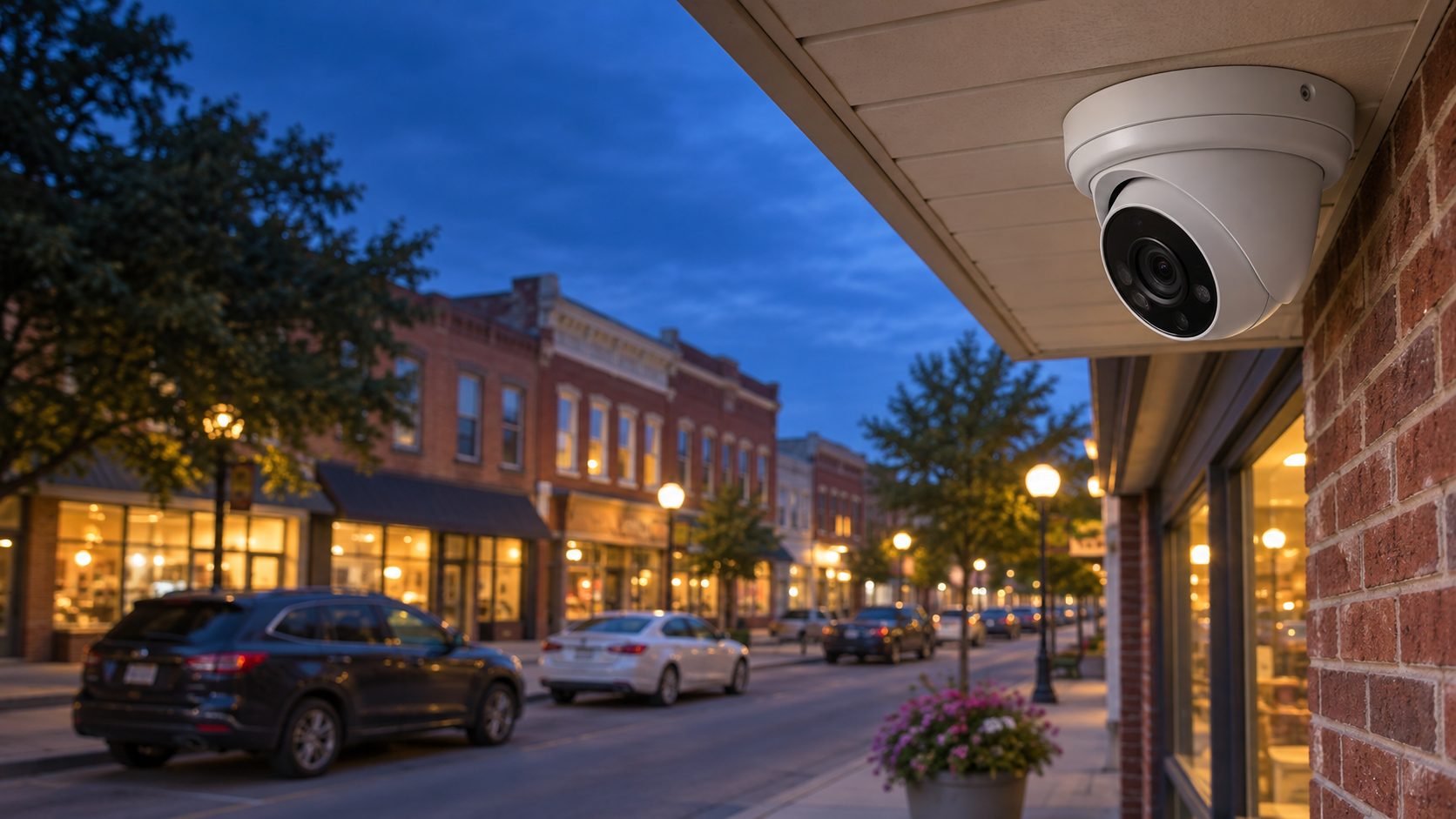
Proven hardware. Software you own.
We install Amcrest IP cameras and record them with Blue Iris, a professional video system that supports up to 128 cameras on one recording server. The cameras use open standards, so you're never locked into one brand of recorder.
- Power over Ethernet, one cable per camera
- 4K and 5MP camera options
- Person & vehicle detection
- One-time software license
- No required cloud subscription
- Works with many existing IP cameras
Cameras are network devices. We already run your network.
Modern cameras live on your network like any computer. Set up carelessly, they can be an open door for hackers. We put them on their own secured network segment behind a managed firewall and keep their firmware up to date.
Secured, separate network
Cameras sit on their own segment, away from your business computers and guest Wi-Fi.
Updates & health checks
We keep cameras and the recording server patched and check that every camera is still recording.
Our own cabling crew
Clean, labeled Cat6 runs from the same crew that wires our network installs.
From walkthrough to watching.
Clear camera pricing, no guesswork.
We believe managed service providers should post their prices. Here's what a Lifeline camera system costs. Your written quote lists every camera and every line.
- Site survey & camera planOn-site walkthrough and written plan
- Free
- Amcrest IP camerasIndoor and outdoor, 5MP to 4K
- From $139 each
- InstallationPer camera, includes mounting and up to 150 ft of Cat6
- $199 each
- Recording serverWindows PC with surveillance-grade storage for 15 days of video. Upgrade available for longer storage
- From $1,499
- Blue Iris software licensePer recording server, up to 128 cameras
- $99.95 one time
- Managed camera care (optional)Per camera: updates, recording checks, remote support
- $8 / mo
Already a Managed IT customer?
Cameras on your network are a natural fit for the team that already manages your computers, firewall and phones.
Common security camera questions.
Can an IT company install security cameras in Tennessee?
Yes. In 2026 Tennessee updated the Alarm Contractors Licensing Act so that managed service providers can sell, install and maintain IP cameras connected to the networks they manage, as long as they don't provide alarm monitoring services.
Do you watch our cameras or send police?
No. We don't provide 24/7 alarm monitoring or dispatch. We make sure your system is working and recording; you and your staff view the video and receive the alerts.
How many cameras do I need?
It depends on your building, not a package. The free site survey maps your entrances, lots and blind spots and tells you exactly how many cameras it takes to cover them.
How long is video kept?
Our recording servers are built to keep 15 days of video as standard. If your insurer, your industry or your own policy calls for longer, we can upgrade the storage to keep more.
Do I have to pay for cloud storage?
No. Video records to a server at your location, so there's no required monthly cloud fee. You only pay a monthly fee if you choose managed camera care.
Can you use the cameras we already have?
Often, yes. Blue Iris works with most IP camera brands. We'll check your existing cameras during the survey and only replace the ones that can't do the job.
Can I view cameras on my phone?
Yes. Authorized users can view live and recorded video from a phone, tablet or computer over a secure connection.
Are security cameras a hacking risk?
They can be when they're left on the same network as everything else with default passwords. We isolate cameras on their own network segment, change every default and keep the firmware updated.
What can your cameras see today?
Let us walk your property and show you where the gaps are, free.